
HEIC to PNG converter

Turn iPhone HEIC photos into lossless PNG files, many at once. Free, and your photos never leave your device.

Output format

PNG files keep no photo details, so the location is always removed.

Advanced options

PNG is lossless, so there is no quality setting.

Processed on your device. Your files are never uploaded.

How to use

  1. Add your HEIC photos: tap "choose files", drag them onto the box, or paste one. Up to 30 at a time.
  2. Keep PNG selected. Each photo is converted right away.
  3. Download each PNG, or all of them at once as a ZIP file.
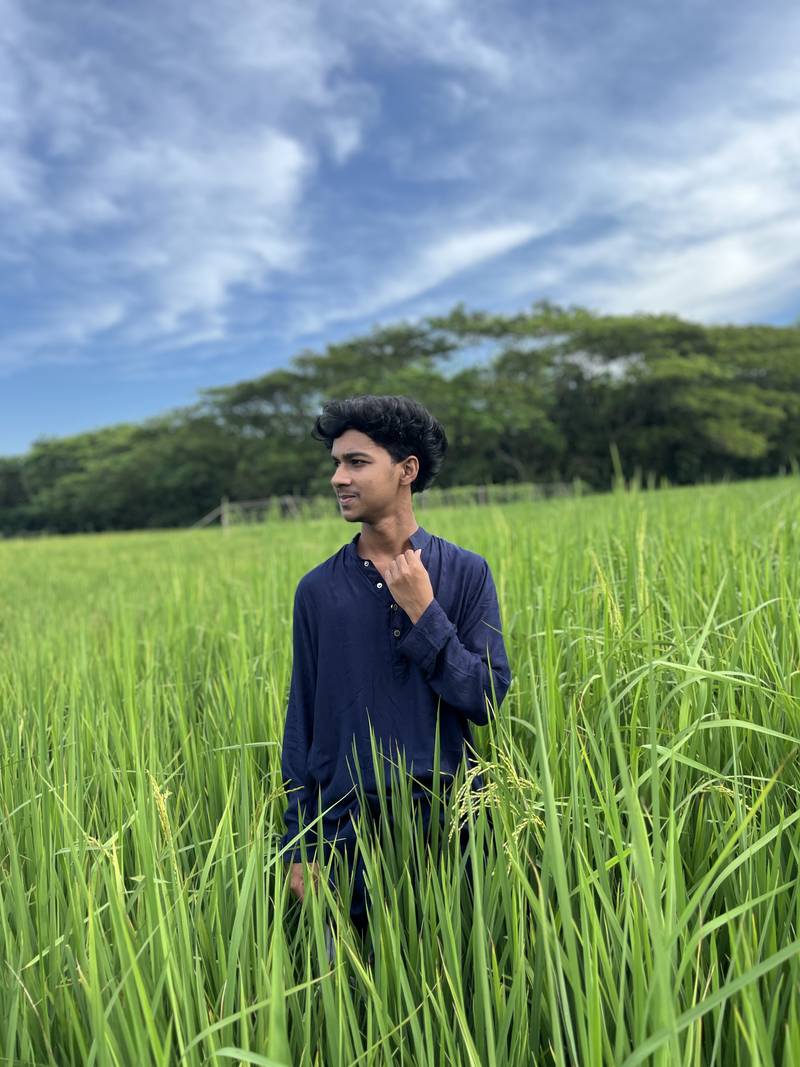
An iPhone photo as a HEIC file, 1.1 MB

iPhone photo (HEIC): 1.1 MB

The same photo converted to PNG, 17.7 MB at full size (smaller preview shown)

Converted to PNG: 17.7 MB

The same photo before and after converting, shown here as smaller previews. The picture does not change; only the file format does, so it opens everywhere.

PNG or JPG: which should you pick?

Both open everywhere, but they suit different jobs:

Feature PNG JPG
Detail Every pixel kept exactly (lossless) Tiny details removed that you rarely see
File size for a photo Large Small
Photo details (date, camera) Not kept by this tool Kept, with location removed by default
Best for Editing, design work, programs that require PNG Sharing, uploading, storing photos

If you just want your iPhone photos to open on a Windows PC or in an upload form, use HEIC to JPG instead. New to the format? Read what a HEIC file is.

Why PNG files are much larger

A HEIC photo is compressed very efficiently. PNG can only compress without losing anything, which works well for screenshots and drawings with flat colors but not for photos, where almost every pixel is slightly different. Expect each PNG to be several megabytes. If you need a smaller file later, the image compressor can turn it into a JPG of any size you choose.

When PNG is the right choice

  • You will edit the photo in a design or photo app and save it several times. PNG does not lose quality with each save.
  • A program, printer service or website asks for PNG.
  • You want an exact copy of the decoded picture with nothing removed.

For everything else, JPG is the better choice.

Frequently asked questions

Is PNG better quality than JPG for iPhone photos?

PNG keeps every pixel of the decoded photo exactly, while JPG throws away tiny details you normally cannot see. For viewing and sharing photos, JPG looks the same and is much smaller. Choose PNG when you will edit the photo several times or a program asks for PNG.

Why is my PNG file so large?

PNG never discards detail, and photos are full of fine detail, so a 12-megapixel iPhone photo usually becomes a PNG several times larger than the HEIC or a JPG. That is normal. If size matters, choose JPG instead.

Can I convert many HEIC files to PNG at once?

Yes. Add up to 30 HEIC photos together. Each one is converted on its own, and "Download all (ZIP)" saves every PNG in one file.